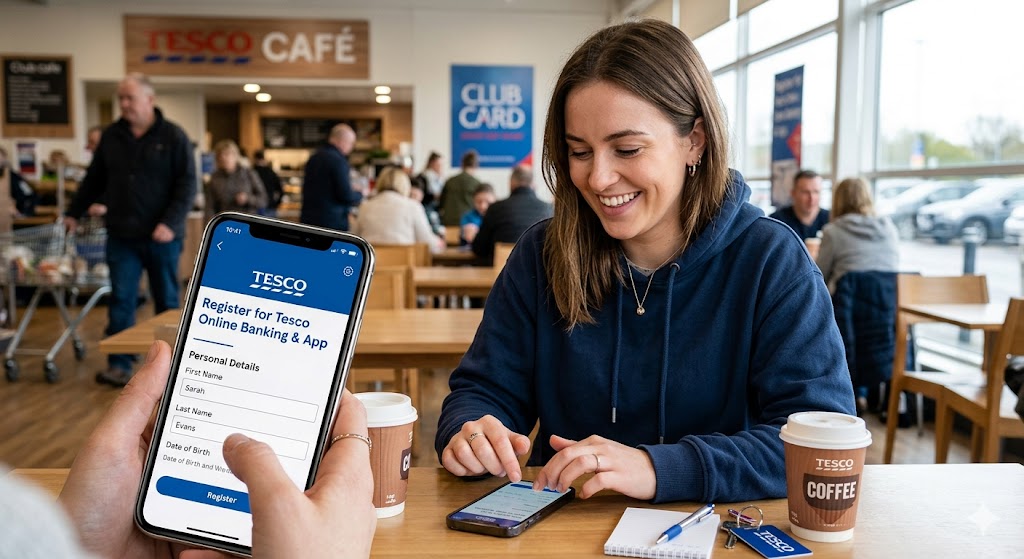
Tesco Bank has become a trusted part of everyday banking for many people across the United Kingdom. Backed by one of the UK’s best-known supermarket brands, Tesco Bank provides a wide range of financial services, including credit cards, savings accounts, loans, insurance, and ISAs. Over the years, it has made banking more convenient by offering easy-to-use online and mobile banking services that allow customers to manage their money anytime and from anywhere.
Once registered, customers can access their accounts 24/7, making it easier to stay in control of their finances at any time of the day. The online platform and mobile app are also equipped with strong security features to help keep customers’ personal information and transactions safe and protected.
Whether you are at home using your computer or travelling with your smartphone, Tesco Bank’s digital banking platform is designed to give customers quick, secure, and simple access to their accounts. Customers can check balances, monitor spending, transfer money, pay bills, and manage their finances without the need to visit a physical branch.
This guide explains everything you need to know about Tesco Bank Online Banking and the Tesco Bank Mobile App. It covers the steps for registering and enrolling for online banking, downloading and setting up the mobile app, and carrying out everyday banking transactions safely and conveniently.
Read: Top 3 financial metrics to keep tracking your business
What You Need Before Registering
Before starting the registration process, make sure you have the following to hand:
- Your full name as it appears on your Tesco Bank account
- Your date of birth
- Your postcode registered with Tesco Bank
- Your account details (credit card number, loan reference, or savings account number)
- Access to the mobile phone number or postal address you provided when you opened your account (you will receive a Temporary Security Number via one of these)
Benefits of Tesco Online Banking and Mobile App
Before registering, it is important to understand the advantages of using Tesco Bank’s digital banking services. Some of the major benefits include:
- Accessing your account anytime and anywhere
- Checking balances and transaction history instantly
- Transferring money securely
- Paying bills online
- Managing savings and loan accounts
- Receiving notifications and security alerts
- Logging in quickly using Face ID, Touch ID, or fingerprint recognition
- Avoiding long queues at banking halls
The Tesco Bank Mobile App is available for both Android and iPhone users through Google Play Store and Apple App Store.
How to Register for Tesco Online Banking
The registration process for Tesco Online Banking is simple and can be completed in a few minutes.
Step 1: Visit the Tesco Bank Website
Open your web browser and go to the official Tesco Bank website:
Select the “Log in” or “Register” option on the homepage.
Step 2: Enter Your Personal Details
During registration, Tesco Bank will ask for information such as:
- Full name
- Date of birth
- Postcode
- Account details
These details help the bank confirm your identity.
Step 3: Receive Temporary Security Number
After entering your information, Tesco Bank will send you a Temporary Security Number either through text message or by post. This code is used to verify your identity and complete the registration process.
The Temporary Security Number is usually valid for 30 days.
Step 4: Create Security Credentials
You will now create your login information, including:
- Username
- Security Number
- Password
- Security Questions
Your password must contain letters and numbers and should not be easy to guess. Tesco Bank recommends creating strong login credentials to improve account security.
Step 5: Accept Terms and Conditions
Read and accept Tesco Bank’s Online Banking terms and conditions.
Step 6: Complete Registration
Once registration is completed successfully, you can log in to your account and begin using Tesco Online Banking services.
Read: Absa cellphone banking: How to Register, transfer money and check Balance
How to Register for Tesco Mobile App
Tesco Bank also offers a mobile application that allows users to access banking services directly from their phones.
Step 1:Download the Tesco Bank Mobile App from:
- Google Play Store for Android devices
- Apple App Store for iPhones
Step 2: After installation, open the app and select “Let’s get started.”
Step 3: If you already use Tesco Online Banking, simply enter your existing:
- Username
- Security Number
- Password
If you are a new user, choose the “Register” option.
Step 4: Enter Personal Information
You will provide:
- Name
- Postcode
- Date of birth
- Tesco Bank account details
Tesco Bank will then send an access code to your registered mobile number.
Step 5: Set Up Security Features
The app allows users to activate:
- Face ID
- Touch ID
- Fingerprint login
- Five-digit passcode
These features make login faster and more secure.
Step 6: Start Using the App
After setup is completed, you can begin managing your account using the Tesco Bank Mobile App.
How to Log In to Tesco Online Banking
To access your account:
- Visit the Tesco Bank website
- Click “Log in”
- Enter your Username
- Enter requested digits from your Security Number
- Type your Password
- Complete any additional security verification
Tesco Bank may send a One-Time Access Code if you are logging in from a new device.
How to Carry Out Transactions Using Tesco Online Banking and Mobile App
Once registered, customers can perform different banking transactions digitally.
Checking Account Balance
One of the most common activities is checking account balances.
To do this:
- Log in to Online Banking or the Mobile App
- Select the account you want to view
- Your current balance and recent transactions will appear on the screen
This helps users monitor spending and track payments easily.
Viewing Transaction History
Customers can also view past transactions such as:
- Purchases
- Transfers
- ATM withdrawals
- Bill payments
The transaction history helps users manage finances and identify suspicious activities quickly.
Transferring Money
Tesco Bank allows users to transfer funds securely.
Steps for Money Transfer
- Log in to your account
- Select “Payments” or “Transfers”
- Enter recipient details
- Input account number and sort code
- Enter the amount
- Confirm the transaction
Always verify account information carefully before sending money.
Paying Bills
Customers can pay utility bills and other services through Online Banking or the Mobile App.
Typical bills include:
- Electricity
- Water
- Internet
- Television subscriptions
- Credit card payments
Bill payments are processed electronically and can often be scheduled automatically.
Managing Savings Accounts
Users with Tesco savings accounts can:
- Deposit money
- Transfer savings
- Monitor interest earnings
- Set savings goals
Digital banking makes saving more convenient and transparent.
Managing Credit Cards
Tesco Online Banking allows users to:
- Check credit card balances
- View spending summaries
- Pay credit card bills
- Monitor available credit
This helps customers control expenses and avoid missed payments.
Managing Loans
Customers with Tesco loans can:
- View loan balances
- Check repayment schedules
- Monitor interest charges
- Make repayments online
What is a Temporary Security Number?
A Temporary Security Number is a one-time code sent to you when registering or verifying your identity. It helps protect your account from unauthorized access.
How do I check my Tesco bank balance?
Simply:
- Log in to the app or online banking
- Select your account
- Your balance and recent transactions will appear instantly
Read: list and names of commercial banks and building societies in uk
How do I send money using Tesco Bank?
To transfer money:
- Log in to your account
- Go to “Payments” or “Transfers”
- Enter recipient details and amount
- Confirm the transaction
Is Tesco Online Banking safe?
Yes. Tesco Bank uses strong security features such as:
- Two-factor authentication
- Temporary Security Numbers
- Encryption technology
- Biometric login (Face ID / Fingerprint)
What should I do if I forget my password?
Click “Forgot Password” on the login page and follow the instructions. You may need to verify your identity using a security code
Why am I being asked for a security code?
This is to confirm it is really you logging in—especially when using a new device or resetting your password.
Can I pay bills using Tesco Online Banking?
Yes. You can pay:
- Electricity bills
- Water bills
- Internet subscriptions
- Credit card payments
All directly from your account.
What should I do if the app is not working?
Try:
- Updating the app
- Checking your internet connection
- Restarting your phone
- Logging in again
If the issue continues, wait and try later or contact support.
How do I keep my Tesco Bank account secure?
Follow these tips:
- Never share your password
- Avoid public Wi-Fi for banking
- Log out after use
- Enable fingerprint or Face ID login
- Keep your app updated

Contact us; Kokobest04@gmail.com
- List of Banks and Credit Unions in the United kingdom - October 8, 2026
- List of Banks and Credit Unions in the United States - October 8, 2026
- Mortgage Preapproval Requirements: What You Need to Qualify - October 8, 2026